


Get Connected to Your Care
Mahaska Health MyChart® Patient Portal is a free, easy, and secure way to view portions of your personal health records
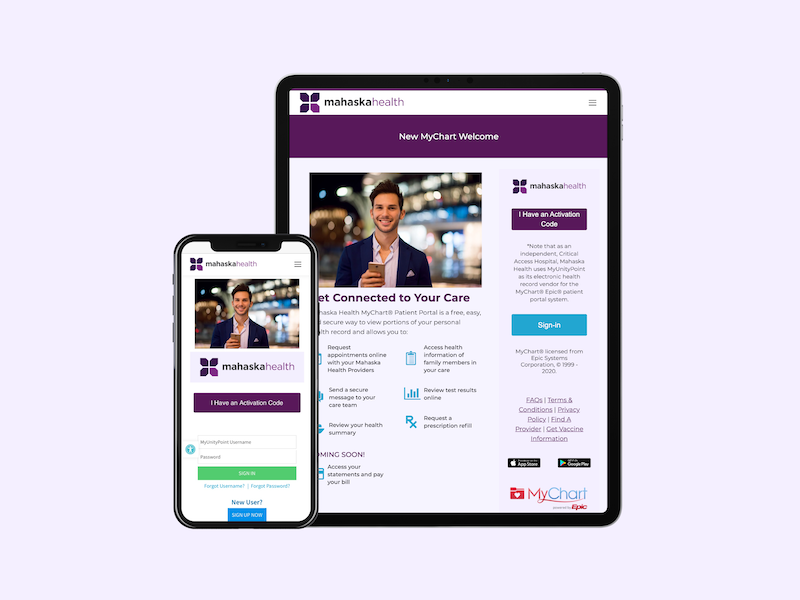
After your next visit with us at Mahaska Health, you will receive an After Visit Summary. You will be able to activate your new MyChart® account Epic patient portal system with the Activation Code listed on your After Visit Summary.
To schedule an appointment with your Mahaska Health Primary Care and Specialty Care provider, please call 641.672.3360
Enjoy safe and secure access to your health information, prescriptions, test results and your care team all in one location, with the benefit of accessing your care information from the comfort of your home, 24/7.
Your health information is easily accessible with MyChart. Request or change an appointment, Review test results, prescription refills, You can view test results, schedule appointments and exchange emails with your care team. All medical providers within the Mahaska Health system have upgraded to a new single, secure electronic health record. Enjoy safe and secure access to your health information, prescriptions, test results and your care team during the time of day — or night — that works for you.
This patient portal is intended for non emergency use only.
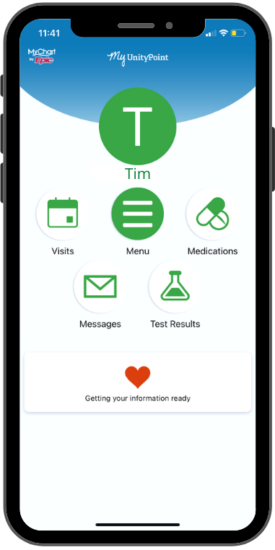
Use MyChart® on Your Smartphone
Access MyChart on the go by installing the MyChart® App on your smartphone or tablet.
To download the app:



- Search for the MyChart application in the Apple or Android app store.
- When the results appear, select the MyChart Epic systems app.
- Click install. Once the app is downloaded. When prompted choose Mahaska Health as your medical home.
- Log in with your username and password to access your chart.